
We use Miládka every day ourselves. Over the summer we ran into lots of things and improved lots of them. But every Miládka stayed on the version from the day her owner downloaded her, and what we improved never reached her. Version 2.0 changes that from the ground up.
Miládka updates herself
From now on you hear about what's new from Miládka. Once a week she looks at miladka.cz, and when a new version is out, she tells you in her own words what it brings. She does the rest herself.
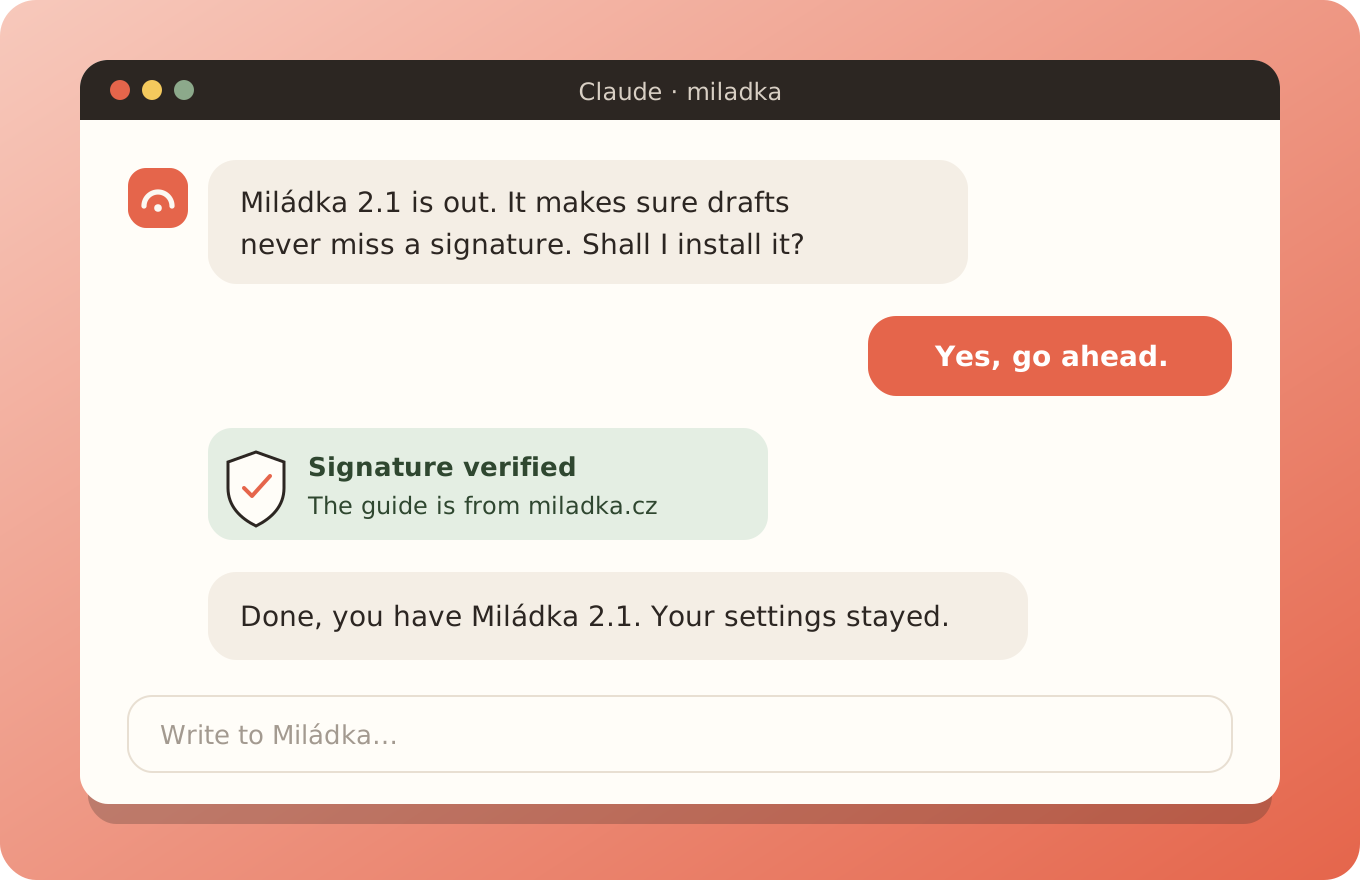
- A new version is out. We publish a fix or an improvement on miladka.cz.
- Miládka asks. She tells you what the version brings and waits for your yes.
- She checks the signature. She makes sure the guide is from us and nobody changed it on the way.
- She installs it. She keeps your settings and tells you what's new.
During the installation she asks you once to switch the mode to Accept edits and to click Allow once a few times. Why is explained in the article Auto mode and why Miládka sometimes asks you to switch.
Why it's such a big deal
Miládka runs on the Claude app, and that changes every week. Features are added and something that worked suddenly works differently. We use Miládka every day ourselves, so we're among the first to run into it. We solve it for you and your Miládka gets the fix on her own. You don't need to follow anything or download anything.
Nobody can slip you a fake update
We sign every version with our key. Before installing, Miládka checks that the guide is from us and nobody changed it on the way. If the signature doesn't match, she does nothing. And not even our signed guide may send your data out, touch passwords or run programs. All the safeguards are in the article on auto mode.
Everything added since summer
- No email gets lost. In Gmail every processed message gets a label, so Miládka knows what she has already seen and reads nothing twice. She sorts mail into urgent, action, waiting and info and matches it with your tasks.
- Sending only with your consent. Miládka prepares drafts. If you want, you allow her to send, but only messages you explicitly tell her to.
- More Gmail inboxes and watching without AI. With the Gmail add-on she works with several inboxes at once. New mail is watched by a small program, so an empty check takes nothing from the limit. More in the article.
- WhatsApp. You dictate from your phone and Miládka transcribes the voice message right on your computer. And when something is urgent in your mail, she gets in touch on her own. More in the article.
- Easier on the limit. The mail rules load only when mail comes up, and the conversation condenses itself before every reply starts costing too much. Why the limit runs out.
- The morning brief where you work. The overview of the day comes into the conversation you talk to Miládka in. And when the computer was off in the morning, it arrives with your first hello.
- Miládka on your phone. With
/remote-controlyou write to her from your phone, the computer just has to be running. - A more reliable backup. It handles large files too, and everything important is in one folder.
Already have Miládka?
We'll email you the transition to 2.0. Paste it into the chat with Miládka and write: "Install the update from the attached document." Miládka goes through what you have, tells you in one message what she'll do and asks a few things at most. From then on she watches for new versions herself.